Analytics
Every send, measured the moment it goes out
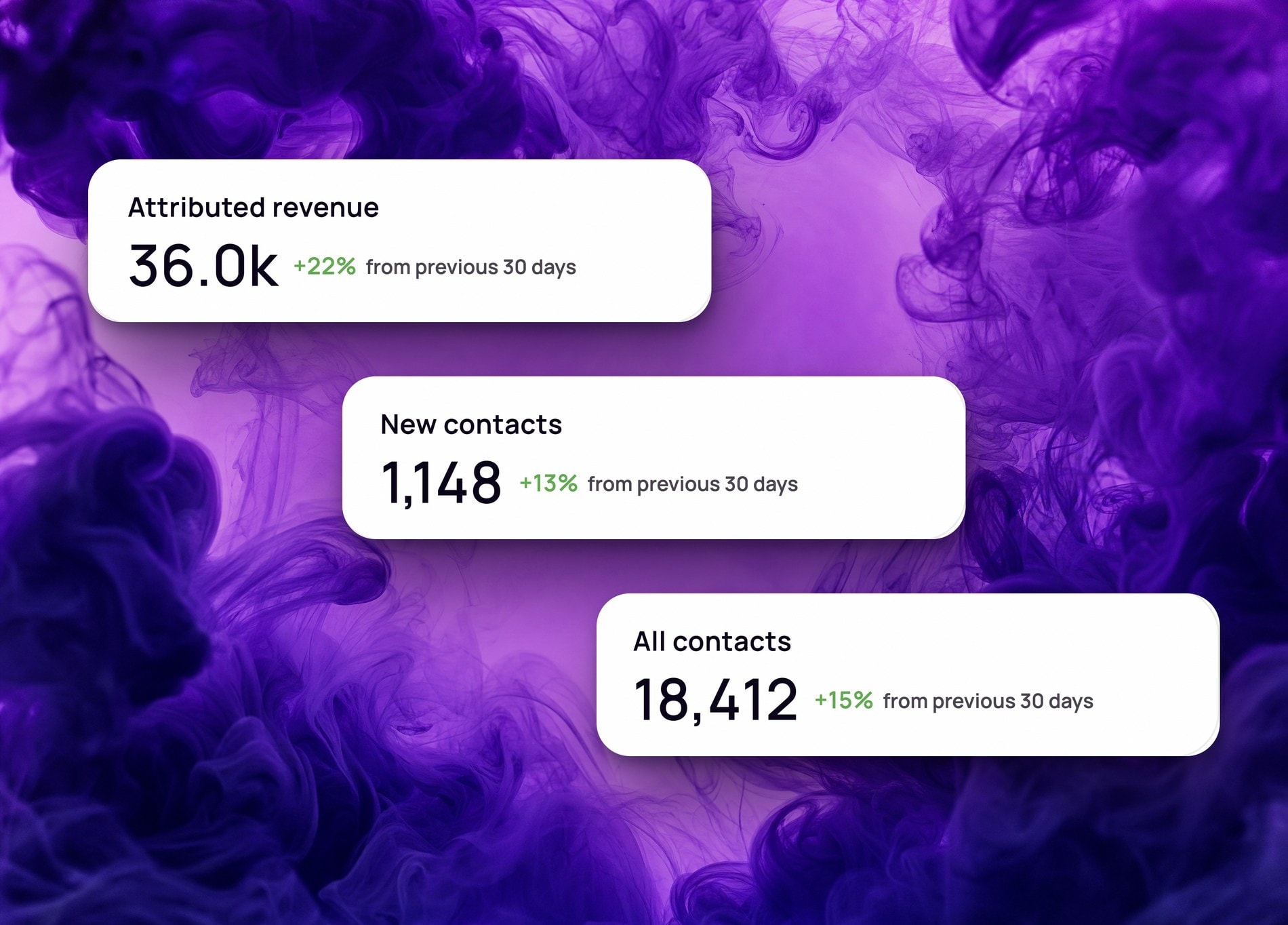
Every email and text your Shopify store sends is tracked automatically: opens, clicks, and revenue, broken down by campaign and flow.
Automatic
Tracked on every send, no setup
Per campaign
Opens, clicks, and revenue broken out
Web + app
Check performance from your phone
The exact analytics behind every send
Every campaign and flow step reports delivery, opens, clicks, and revenue as actual numbers, down to the dollar.
- Delivered, opened, clicked, and purchased counts per campaign and flow step
- Revenue tied to the same attribution model every time, no separate math
- No tracking pixel or UTM setup required to see any of it
Compare campaign analytics side by side
See which subject lines, sends, and flows are actually working by comparing performance across campaigns, not just one report at a time.
- Compare open and click rates across campaigns
- Track performance trends over time
- Check results from the mobile app between meetings
See total revenue next to what you can actually credit to a send
A Business Summary splits total store revenue from the share you can tie back to a specific campaign or flow, so you know how much of your revenue email and SMS are actually responsible for.
- Total revenue next to attributed revenue, side by side
- Attributed revenue broken down by campaigns vs. flows
- Updated for the period you're looking at, not a fixed window


Frequently asked questions
- Do I need to set up tracking before analytics work?
- No. Every campaign and flow is tracked automatically the moment it sends. There is no pixel to install and no UTM parameters to configure.
- Can I see revenue for a specific campaign?
- Yes. Each campaign and flow step shows the revenue it generated alongside opens and clicks, so you can see which sends are actually driving sales.
- Do I still need Google Analytics?
- Spoks analytics cover email and SMS performance directly inside the platform. Many stores keep Google Analytics for site-wide traffic, but you don't need it to see how your campaigns are performing.
- Does the revenue shown here match the Revenue Attribution page?
- Yes. Every revenue number in analytics uses the same attribution as the revenue attribution feature, so the two pages never show different numbers for the same campaign.
- Can I check analytics from my phone?
- Yes. Campaign and flow performance is available in the Spoks mobile app, so you can check results without being at a desktop.
Ready to make the switch?
Join hundreds of Shopify entrepreneurs who've already made Spoks their go-to marketing platform.