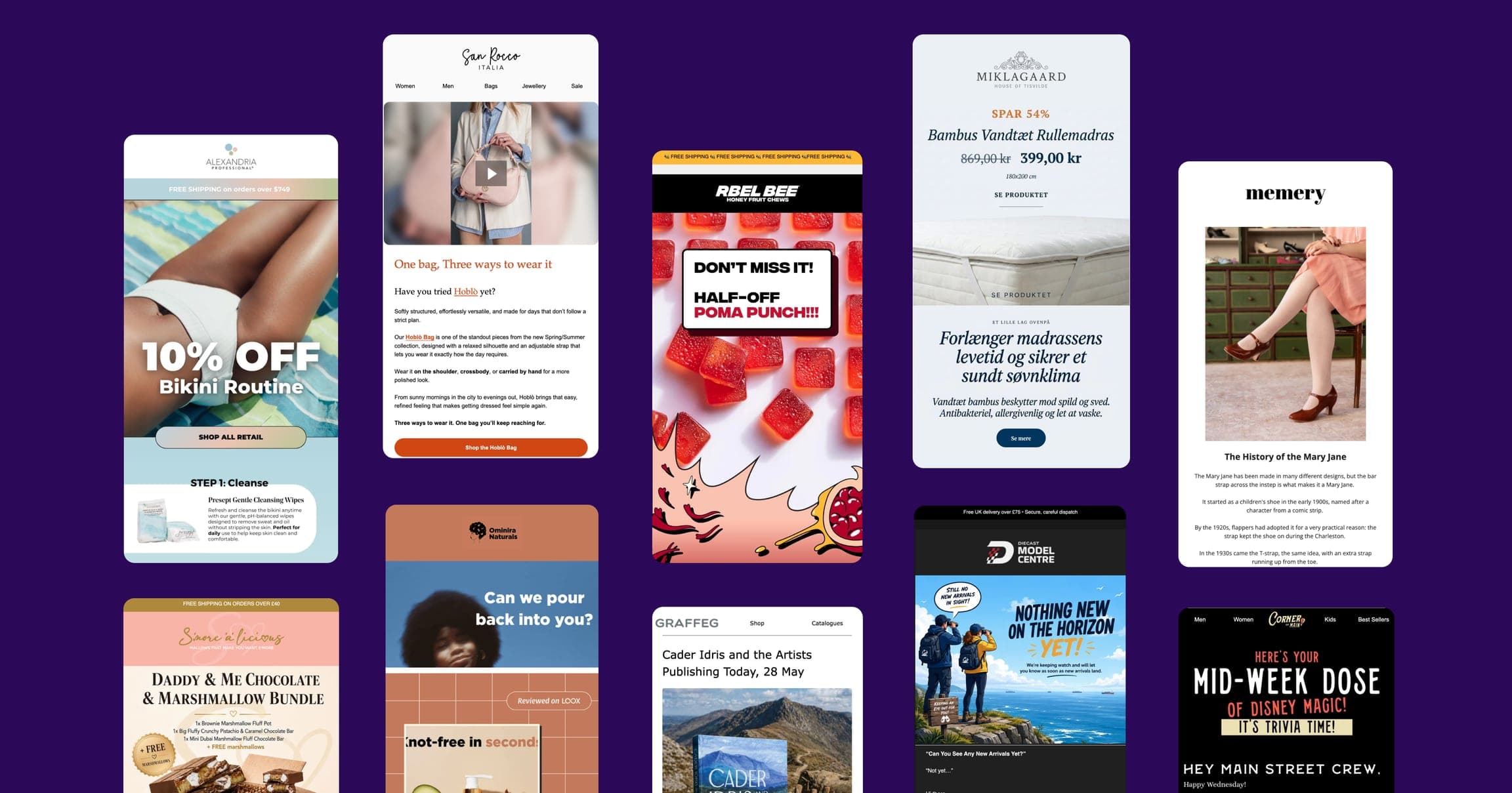
Browser app
Spoks on the big screen
Open app.spoks.com in any browser on your laptop or desktop and get the exact same editor Shopify stores use on mobile, with the room of a bigger screen and a full keyboard, no install required.
One grid view
Every block, Text through Layout, visible at once
Full keyboard
Faster for anything more than a quick tap
Same editor
Identical data and features as web and mobile
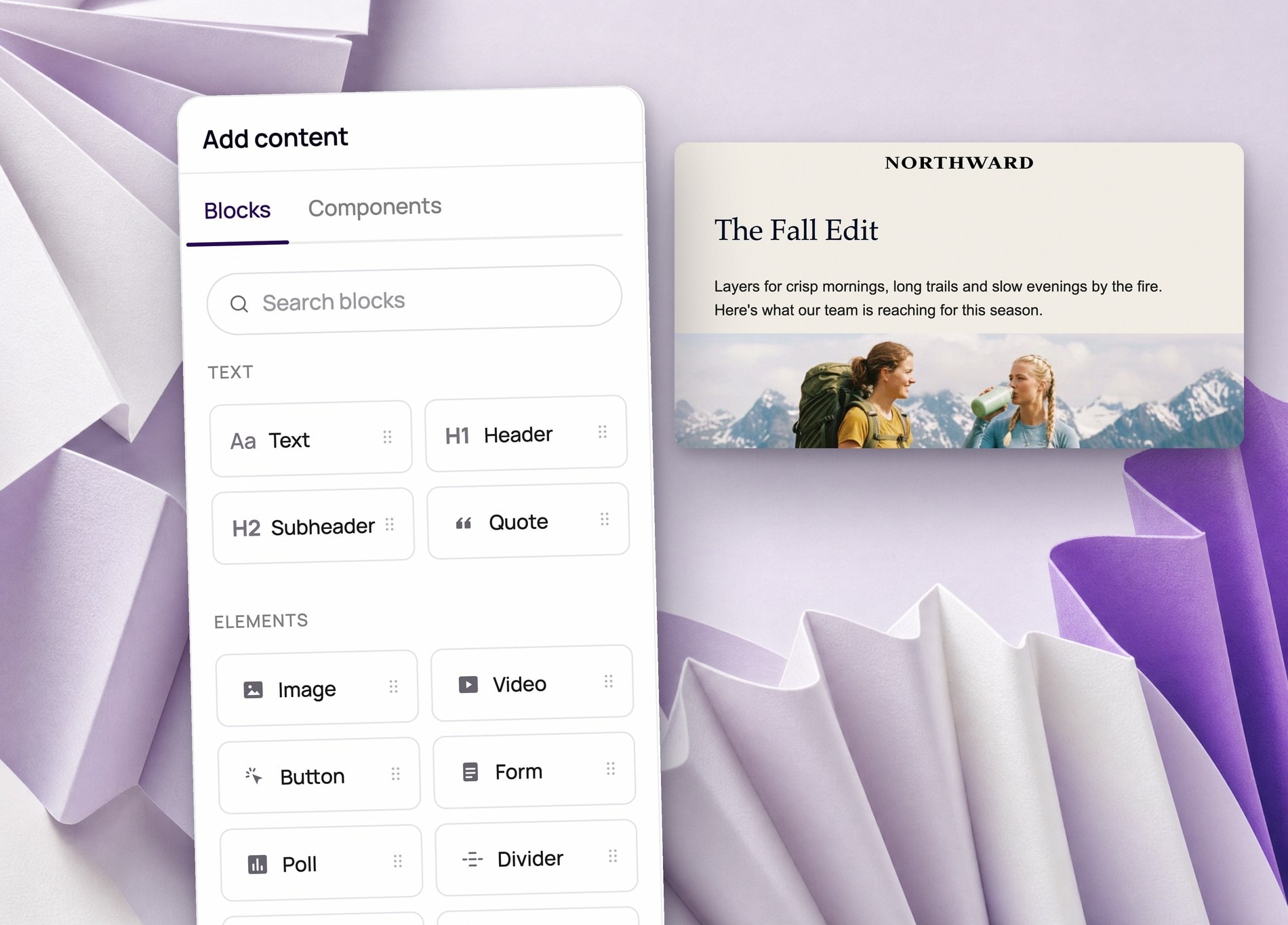
Every block, laid out across the full browser window
Click the plus button and the block menu opens as one grid, Text through Layout, instead of a list to scroll through.
- The full block menu, Text through Layout, visible in one view
- Audience, filters, and Smart Sending shown together above the email
- Write and Style tabs switch between content and design without losing your place
Add products on the bigger screen, without losing your spot
Dropping a product block opens a dedicated picker with a category dropdown, a search field, and a running count, all visible at once.
- Filter by collection, then search by product name
- Check off several products in one pass
- See your selection count update as you go
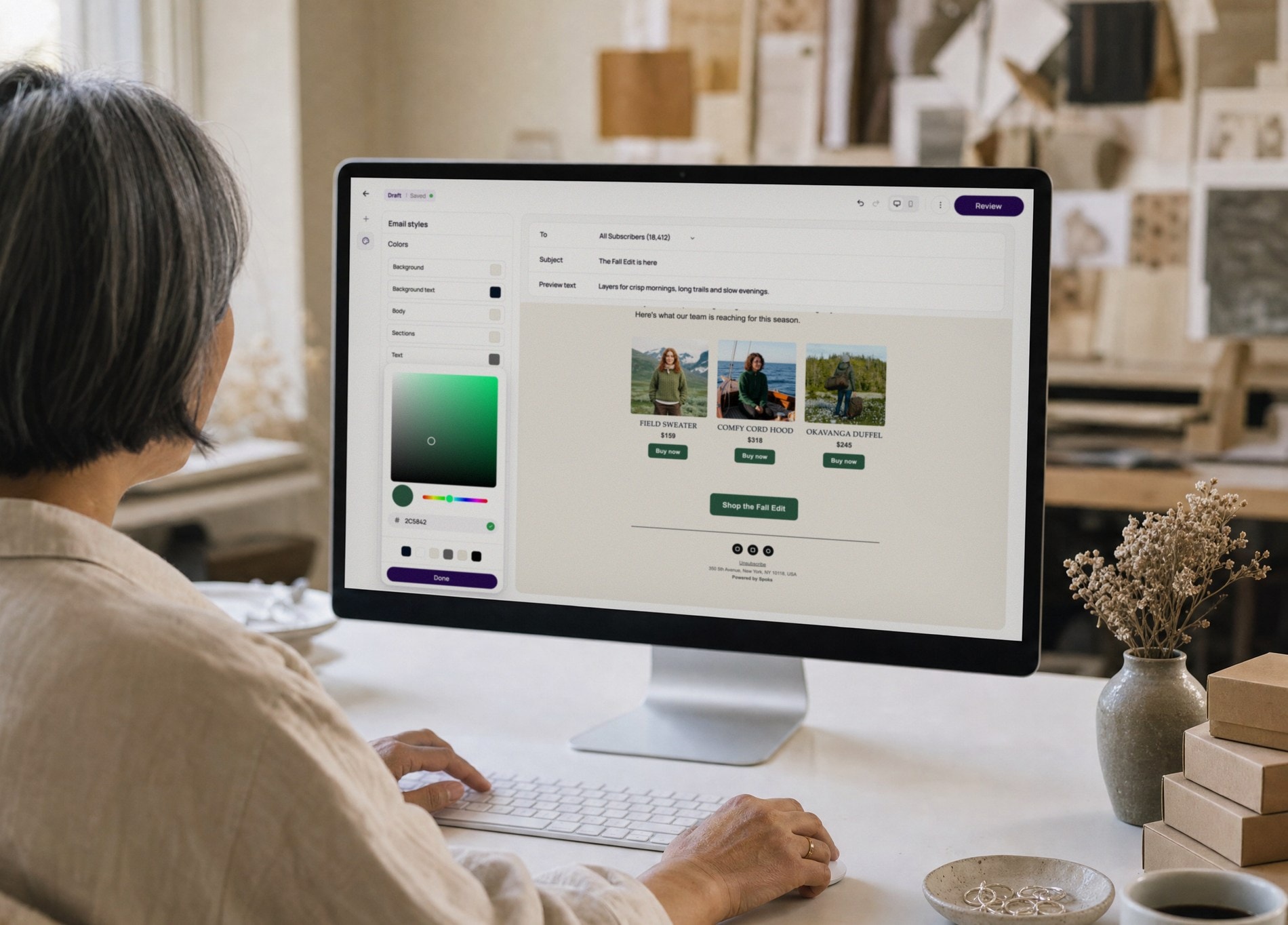
Every style control, visible at once on desktop
Background, text, button, and title colors sit in one panel on desktop, instead of tapping into each one separately on a smaller screen.
- Every color control, background through button text, in one list
- Typography and layout settings one tap away in the same panel
- See a color change land on the email next to it, without switching views


Frequently asked questions
- Do I need to download anything to use Spoks on a bigger screen?
- No. Spoks doesn't have a native download for desktop the way it does for iOS and Android. You get the full product by opening app.spoks.com in any browser on your laptop or desktop.
- What's actually different about building on a bigger screen?
- The editor and the underlying data are identical to the web and mobile app. What changes is the layout: the block menu opens as one grid, Text, Elements, Commerce, and Layout together, instead of a scrolling list, and dialogs like the product picker show the search field, category filter, and your selections all at once.
- Do flows, segments, and analytics work the same on desktop?
- Yes. Flows, segments, forms, and analytics work the same on desktop and mobile. A bigger screen and a full keyboard just make the longer jobs, writing copy, building a multi-step flow, filtering a segment, faster to get through.
- Can I start a campaign on my phone and finish it on desktop?
- Yes. Spoks' mobile app is the full product, not a stripped-down companion, so a draft you start on your phone is exactly where you left it when you open that same campaign in a browser on your laptop.
Ready to make the switch?
Join hundreds of Shopify entrepreneurs who've already made Spoks their go-to marketing platform.