Template builder
An email template builder you'll actually enjoy
Spoks' template builder for Shopify stores saves your brand's fonts, colors, header, and footer once as your look, so every template starts on-brand instead of from a blank page.
Set once
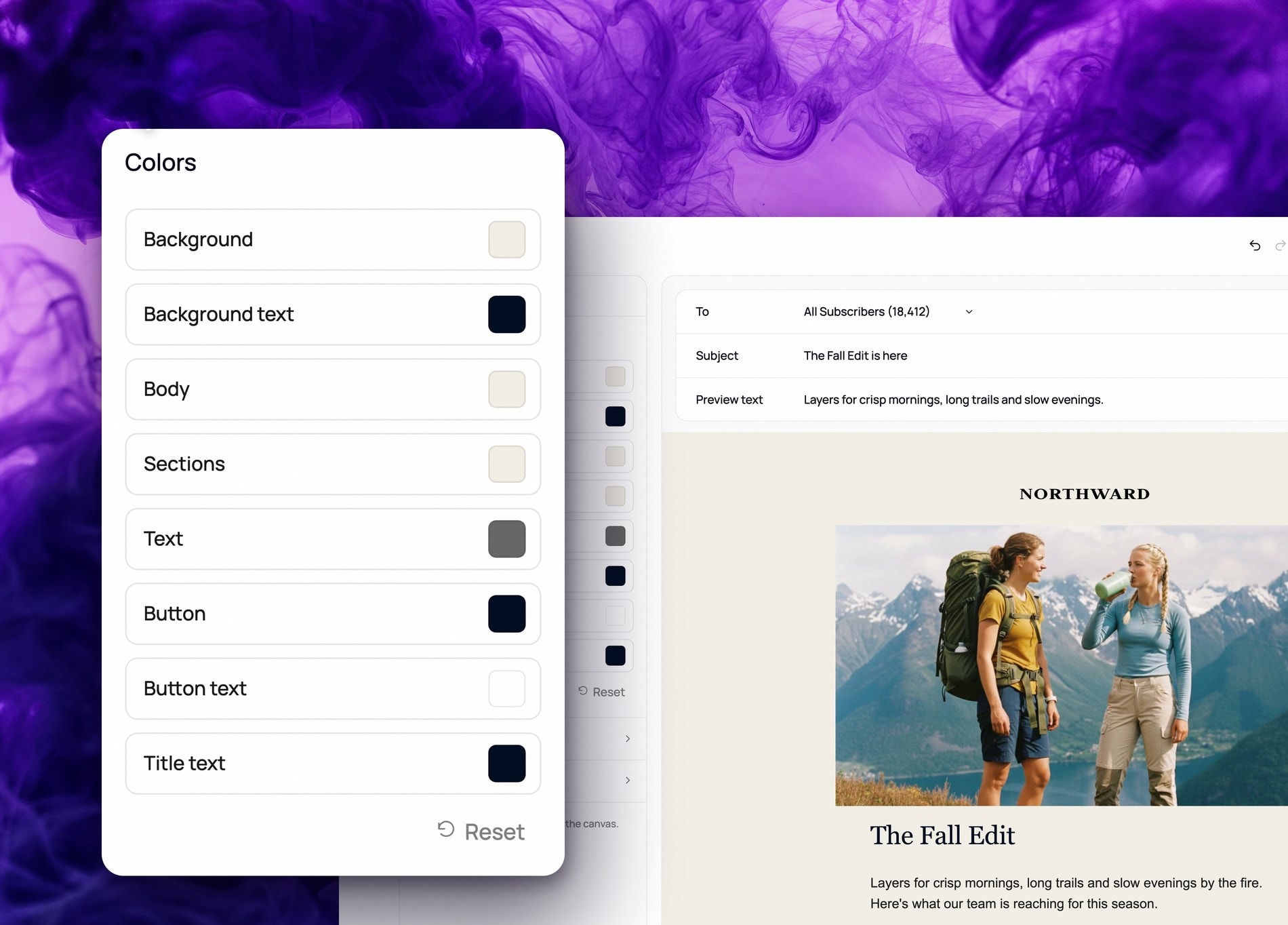
Fonts, colors, header, and footer saved as your look
Save once
Save a block or section once, reuse it in any template
Stays on-brand
Every new template already matches your look
Every template starts from your brand's look
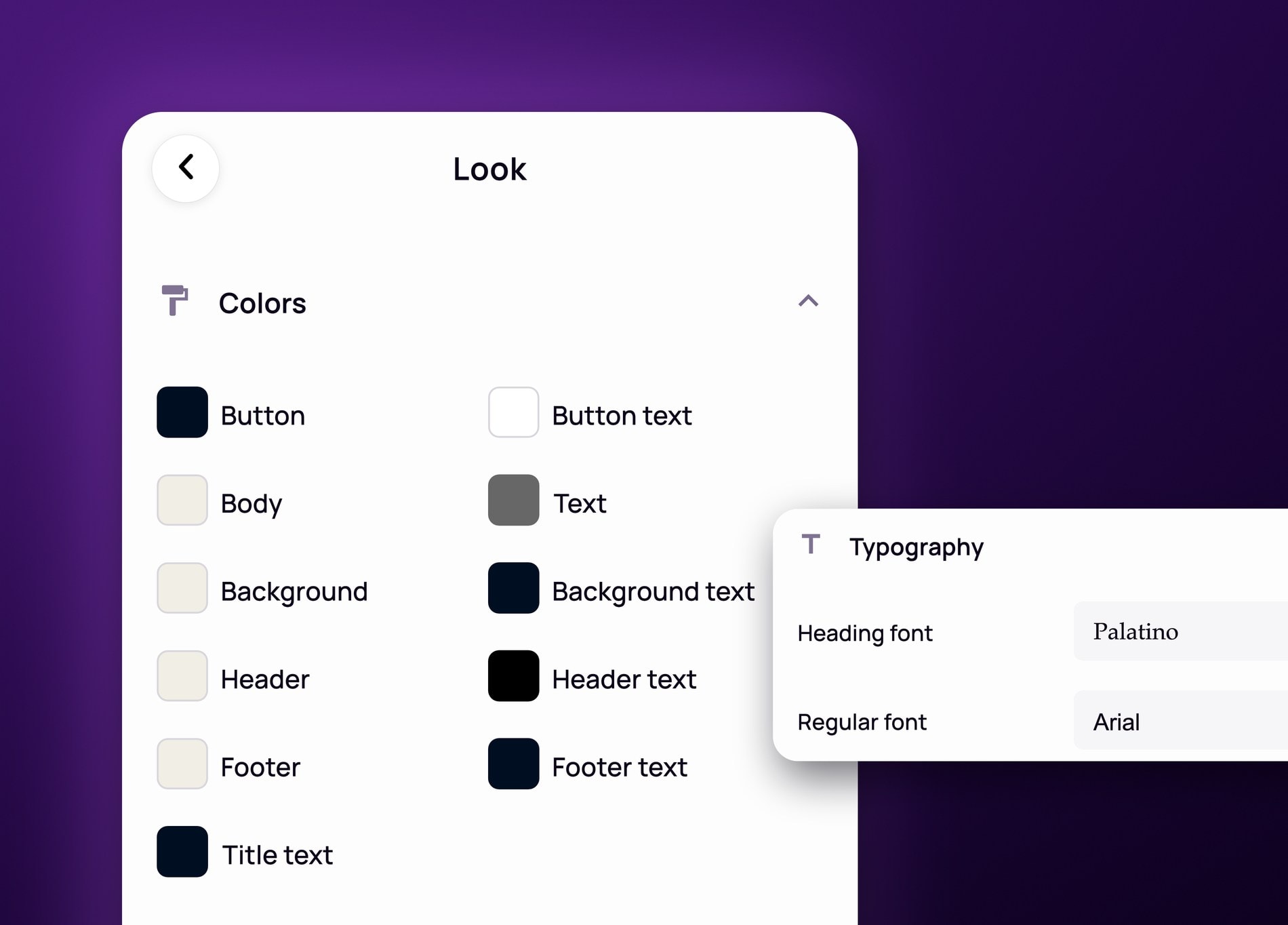
Set your brand's fonts, colors, header, and footer once as your look, and every new template in the builder already matches it.
- Your look stores your fonts, colors, header, and footer in one place
- Every new template opens already on-brand
- Override color or font for one campaign without changing your look
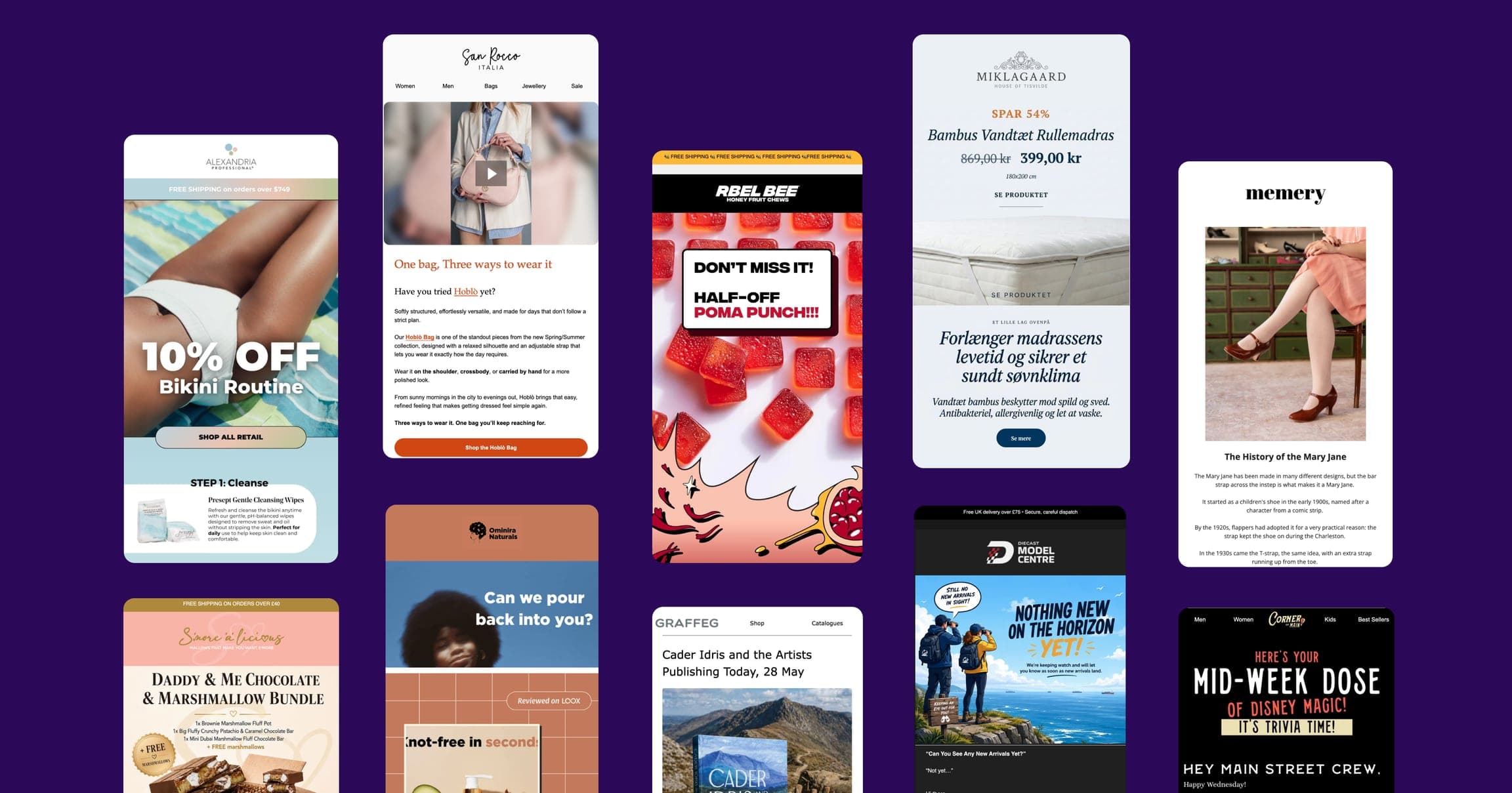
Build a template once from blocks, save the parts you reuse as Components
Drop in any block from one menu, then save the ones you reuse often, like a header or a promo section, as a Component instead of rebuilding it next time.
- One menu for every block type: text, elements, commerce, and layout
- Save a header, footer, or promo section once as a Component
- Drop a saved Component into any future template
Or start a template from a ready-made library
Pick from a library of ready-made templates instead of building from scratch, then customize it with your own look, blocks, and Components.
- Start from scratch or pick a template from the library
- Separate tabs for your own saved templates and the shared library
- Every template picked from the library still opens on your own look


Frequently asked questions
- What's a "look" in Spoks?
- A look is where your brand's fonts, colors, header, and footer live. Set it once, and every new template you start in the builder already matches it, so you're not rebuilding your header or picking your brand color on a blank template.
- What is a Component, and how is it different from a block?
- A block is any single element you drop into a template, like text, an image, a button, or a product. A Component is a block or section you've saved so you can drop the exact same thing into a future template instead of rebuilding it, like a footer or a promo banner you send often.
- What blocks can I add to a template?
- Text blocks like headers and quotes, media blocks like images, video, and buttons, commerce blocks like products and coupons, and layout blocks like columns and dividers, all organized into one menu. Add any of them, then save the ones you reuse often, a header, a footer, a promo section, as a Component instead of rebuilding them in your next template.
Ready to make the switch?
Join hundreds of Shopify entrepreneurs who've already made Spoks their go-to marketing platform.