Back-in-Stock Email Guide: Setup, Timing, and Examples
A practical back-in-stock email guide: how the trigger actually works under the hood, why send speed decides conversion, setup steps, and real examples to copy.

Justin Rondeau · Founding Head of Growth, Spoks
· Updated November 23, 2026
Quick answer
A back-in-stock email fires when a sold-out product becomes available again, sent only to the people who asked to be told.
What decides whether it converts isn't the subject line. It's send speed: the gap between the moment inventory updates and the moment the email goes out. Close that gap and your waitlist gets first shot at a limited restock. Let it stretch to an hourly or daily batch, and shoppers who were never on your list can buy it out first.
Still paying Klaviyo's monthly bill?
Spoks runs about 80% cheaper than Klaviyo for the same flows and campaigns.
Table of contents
- What a Back-in-Stock Email Actually Is
- How a Back-in-Stock Flow Actually Works, Mechanically
- Setting Up a Back-in-Stock Email Flow
- Timing: Why This Flow Breaks the Multi-Email Pattern
- What to Write in a Back-in-Stock Email
- Mistakes That Cost the Sale
- Where This Fits Alongside Your Other Flows
- FAQ: Back-in-Stock Email
- Sources
What a Back-in-Stock Email Actually Is
A back-in-stock email is a single-trigger flow, not a multi-step sequence like a welcome series or an abandoned cart flow. Someone hits "Notify me" on a sold-out product variant, their email (and often their phone number) gets tied to that exact SKU, and the flow sits dormant until that specific variant's inventory count moves off zero. "Back in stock notification," "restock alert," and "restock email" are all names for this same trigger-and-send flow, not a drip sequence with multiple steps.
It's a cousin of browse abandonment, not the same thing. Browse abandonment fires on interest in a product that's still available; see our browse abandonment email guide for how to run that one. Back-in-stock fires on interest in a product that isn't available yet, and the entire flow exists because of that gap.
How a Back-in-Stock Flow Actually Works, Mechanically
Behind the single email is a specific chain of events, and understanding it explains most of the decisions you'll make setting one up.
- A shopper requests the notification. They submit their email against a specific product variant, not just the product. A size 8 restock shouldn't email everyone waiting on size 10.
- The platform detects the moment stock changes. Shopify reports inventory changes through a webhook topic it calls
inventory_levels/update, fired as soon as a restock posts, not on a fixed timer.1 Whatever tool is running your flow either listens for that event directly or checks Shopify's inventory on its own schedule. - The flow checks the request queue for that exact variant and sends to everyone still waiting on it.
Step 2 is where flows actually differ, and it's the one store owners don't think to check before picking a tool. A platform that listens for the real-time event can have an email out in minutes. A platform that polls inventory once an hour, or once a day, turns every restock into a race your own waitlist is guaranteed to start late.
Why the Delay Actually Costs You the Sale
Picture a boot that sold out three weeks ago. 340 people joined the waitlist across every size and color combined, and the restock only brings back 60 pairs total. The moment inventory posts, two groups are competing for those 60 pairs: your waitlist, and anyone who lands on that same product page organically through search, social, or a saved link, without ever having joined a waitlist at all.
Organic visitors don't wait for your email. If your flow takes an hour to notice the restock and queue the send, a real chunk of that inventory can be gone to people who weren't on your list at all, before your most interested customers even see the notification. The flow isn't just racing itself for a fair order inside the queue. It's racing the rest of your site traffic for the same units.
| Trigger method | Time to first send | What it's racing against |
|---|---|---|
| Event-driven (fires on the inventory update itself) | Minutes | New organic traffic landing on the same page |
| Scheduled polling (checks inventory hourly) | Up to ~60 minutes | Organic traffic, plus a full hour's head start |
| Daily digest | Up to 24 hours | Organic traffic, social shares, anyone who bookmarked the page |
None of this comes down to clever copy. It comes down to whether the platform sending your back-in-stock email reacts to the restock itself or checks in on a schedule.
Setting Up a Back-in-Stock Email Flow
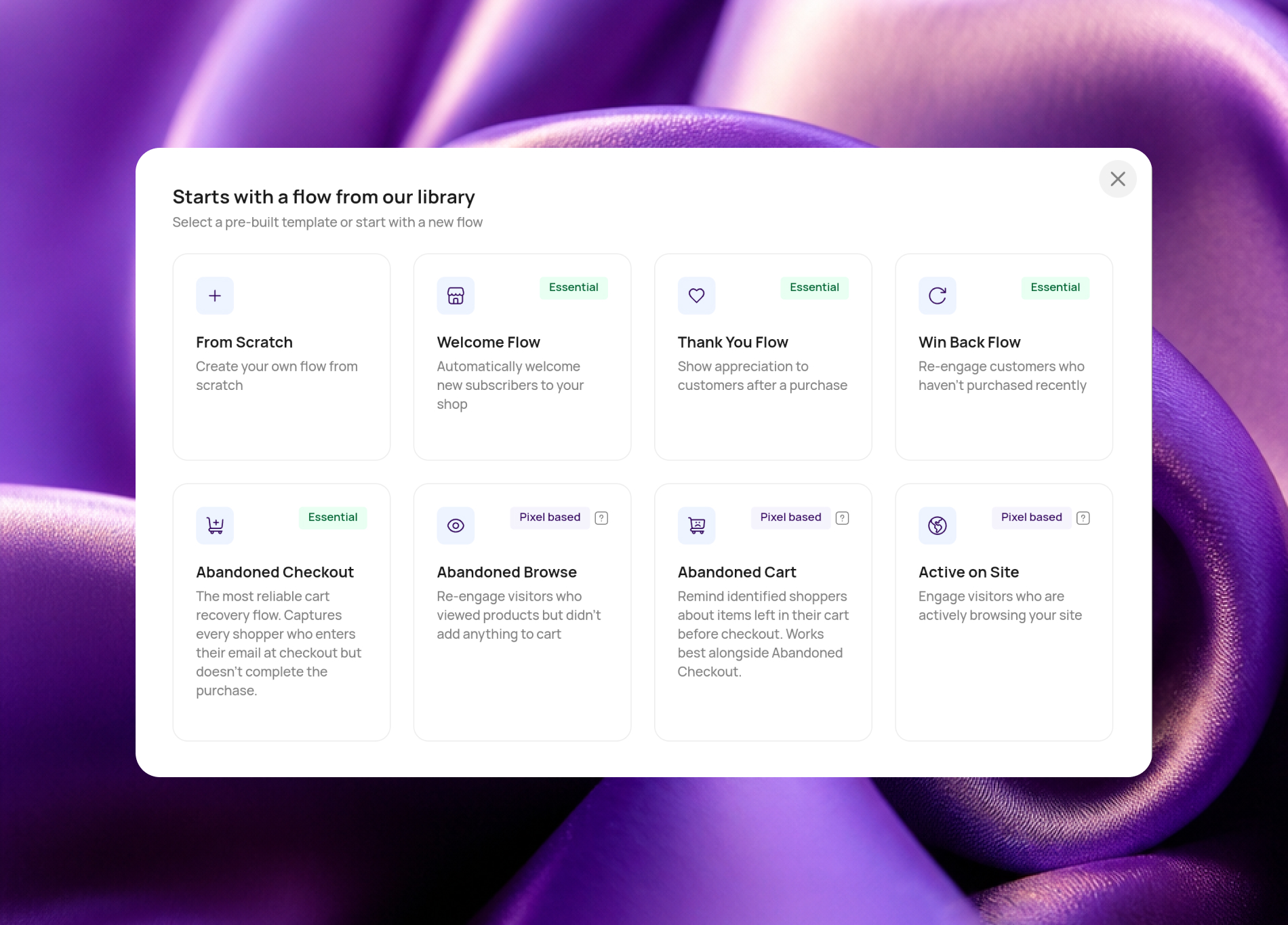
A working setup needs four pieces, in this order:
1. A "Notify me" capture on the out-of-stock variant, not the product as a whole. If a shopper lands on a product page where one size or color is sold out but others are available, the capture form needs to grab the specific variant ID, not just "this product." Get this wrong and a popular restock notifies people who were waiting on an entirely different size.
2. A trigger tied to inventory, not to the product page. The flow should fire off the inventory count itself moving from zero, not off someone revisiting the page or a scheduled check. This is the part covered above: ask any flow tool whether it reacts to the inventory event or polls for it.
3. A quantity floor, if a single unit restocking would be misleading. Some stores skip notifying the full queue if only one or two units came back, since sending to 340 people for 2 pairs guarantees 338 disappointed emails. Others notify everyone anyway and let urgency do the work. Decide this before the flow goes live, not after the first angry reply.
4. One send, immediately, no delay step. Unlike abandoned cart, this isn't a multi-email sequence. Add a delay here and you've recreated the exact batching problem the mechanics above warn against.
Timing: Why This Flow Breaks the Multi-Email Pattern
Most lifecycle flows benefit from spacing: a plain reminder, then an objection-handler, then a last call days later. Back-in-stock doesn't work that way, because the thing it's responding to (limited inventory, live right now) doesn't wait for a three-day cadence.
Send one email, the moment the trigger fires. The only legitimate follow-up is conditional: if the item sells out again before someone on the list converts, that's a new event, not a scheduled second touch. Send a short "it sold out again, want back on the list?" note only if that actually happens, not as a built-in step 2.
See it before you switch
Get Started and your flows import automatically from Klaviyo, no manual rebuild needed.
What to Write in a Back-in-Stock Email
Keep it short. The shopper already decided they wanted the item weeks ago; this email's only job is to tell them it's available and get them back to checkout before it isn't.
Subject: It's back: Canvas Weekender (Olive, size M)
Hi Jordan, the Canvas Weekender in Olive you asked about is back, but it won't stay that way long.
Canvas Weekender, Olive, Size M ($140)
Buy it now →
Subject: Restocked: the jacket you wanted
Hi Jordan, good news. We only brought back a limited run, so if you still want it, don't wait on this one.
View and buy →
Link straight to the specific variant, with the size or color already selected if your platform supports it. Making someone re-select an option they already chose weeks ago is one more click between them and a sale you might lose to the clock.
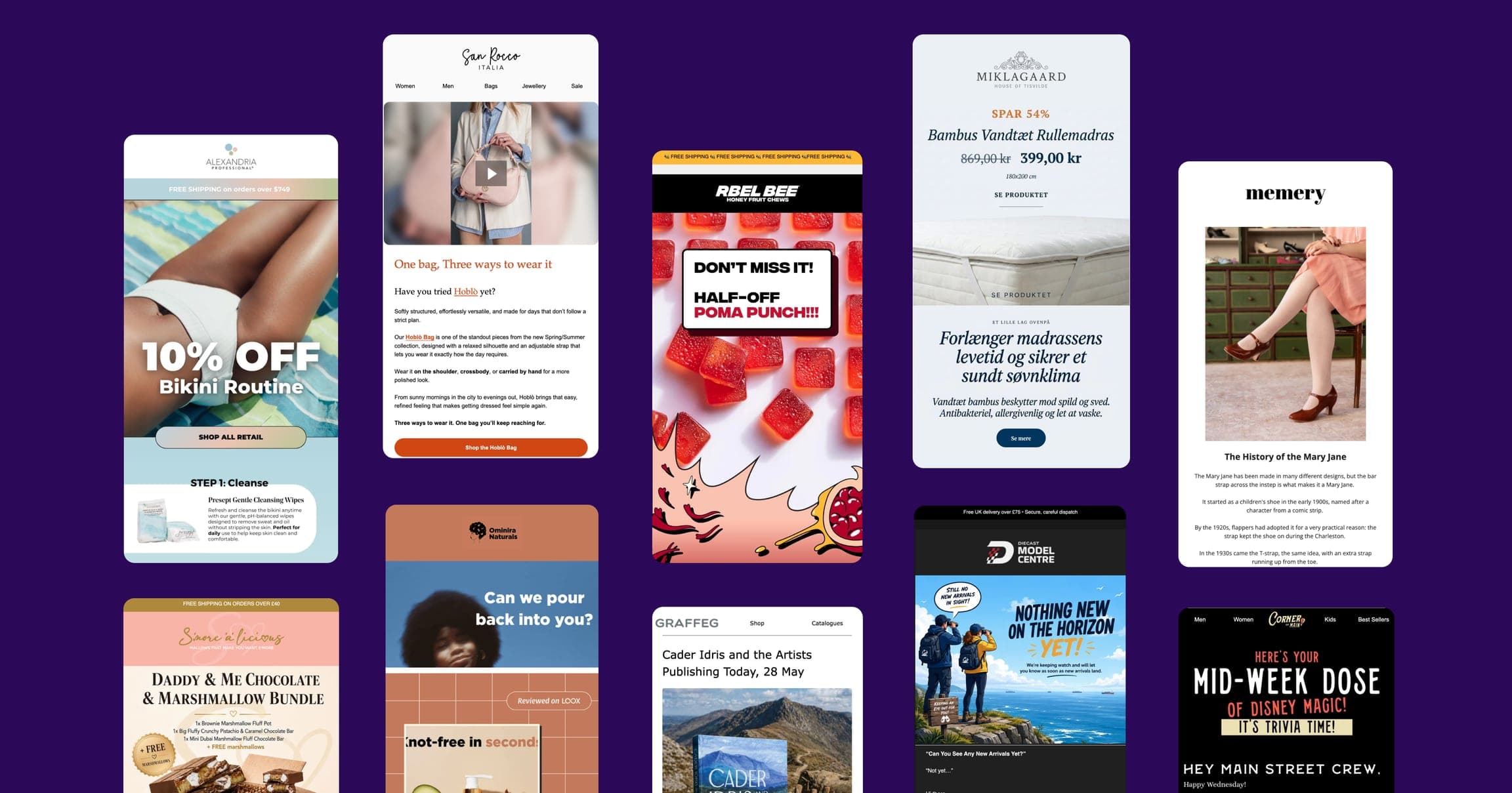
For a look at how real brands handle this in the wild, Organic Basics' "Restock Alert" email is a good reference point for keeping the subject line and copy this plain.2
Mistakes That Cost the Sale
- Notifying the whole product's waitlist instead of just the restocked variant. A size-10 restock emailing everyone waiting on size 8 burns trust for the next restock too.
- Batching sends on a schedule instead of firing off the event itself. This is the single biggest lever covered above, and the easiest one to overlook when picking a tool.
- Writing it like a plain announcement instead of a time-limited one. If the restock really is small, say so. Manufactured urgency on an item with deep stock reads as fake; real urgency on a genuinely limited restock is just honest.
- Leaving stale requests on the list. A waitlist entry from eight months ago is a different intent signal than one from last week. Some stores expire requests after a set window so "back in stock" doesn't quietly become a cold win-back list.
- Linking to the general product page instead of the exact variant. Every extra click (re-picking a size, scrolling to find the right color) is time the shopper could spend losing the item to someone else.
Where This Fits Alongside Your Other Flows
Spoks' flow builder is built around custom triggers, delays, and filtered email and SMS steps, including support for flows built from "when this happens, do that after some time" logic. That's the toolset behind a "notify this request list the moment a variant's inventory moves off zero" flow, the exact trigger-and-send structure this guide walks through.
Pair it with a browse abandonment flow for the mirror case: someone who looked at a product that's still in stock, instead of one that sold out. The two flows cover opposite sides of the same inventory story, and most stores that run one eventually want the other.
FAQ: Back-in-Stock Email
What's the difference between a back-in-stock email and a browse abandonment email?
Back-in-stock fires on a product that was unavailable and just became available again, sent only to people who explicitly asked to be notified. Browse abandonment fires on a product that was available the whole time, sent to people who viewed it but didn't buy. They're opposite inventory states, which is why they need separate triggers even though both are about reminding someone of a product they already looked at.
Should a back-in-stock email include a discount?
Usually not. The shopper already wanted the item badly enough to request a notification, so a discount on top often just gives away margin on a sale that was already going to happen. Save discounting for flows where the hesitation is genuinely about price, like an abandoned cart's later steps, not a restock announcement where the main obstacle is simply availability.
How fast should a back-in-stock email send after a product restocks?
As close to instantly as your platform allows, ideally within minutes. The gap between the restock posting and the email going out is time your waitlist is losing to shoppers who find the same product organically and were never on your list at all. A scheduled hourly or daily check, instead of an event-triggered send, is the single biggest reason this flow underperforms.
Can I run back-in-stock notifications over SMS instead of email?
Yes, and for genuinely limited restocks it's worth considering alongside email rather than instead of it. SMS gets read faster, which matters most when the window to buy is actually short. Keep the message as short as the urgency calls for: item, link, nothing else.
How would I build a back-in-stock flow in Spoks?
Spoks' Flows feature supports custom triggers and filtered email/SMS steps, including the "when this happens, do that after some time" logic that covers the trigger-and-send structure this guide walks through.
Sources
Sources
Footnotes
-
Shopify, Admin API webhook topics reference (https://shopify.dev/docs/api/webhooks/latest): lists
inventory_levels/connect,inventory_levels/disconnect, andinventory_levels/updateas webhook topics covering inventory level changes. Verified via direct fetch, November 23, 2026. ↩ -
Really Good Emails, "Restock Alert" by Organic Basics (https://reallygoodemails.com/emails/restock-alert-organic-basics), part of the site's Back in Stock category (187 examples as of this check). Verified via direct fetch, November 23, 2026. ↩